
Version 2.23.0: AI Assistant, MCP, File Import

This is a big one. Over the last month, I spent all of my efforts on adding AI assistance to Kualia. It isn't for everyone, and it's fairly hidden away so if you're not into it, all good. A few users have already tried it in beta and love it. Happy to hear more feedback on what to add here. Onto the update!
- Igor
🎉 What's New
-
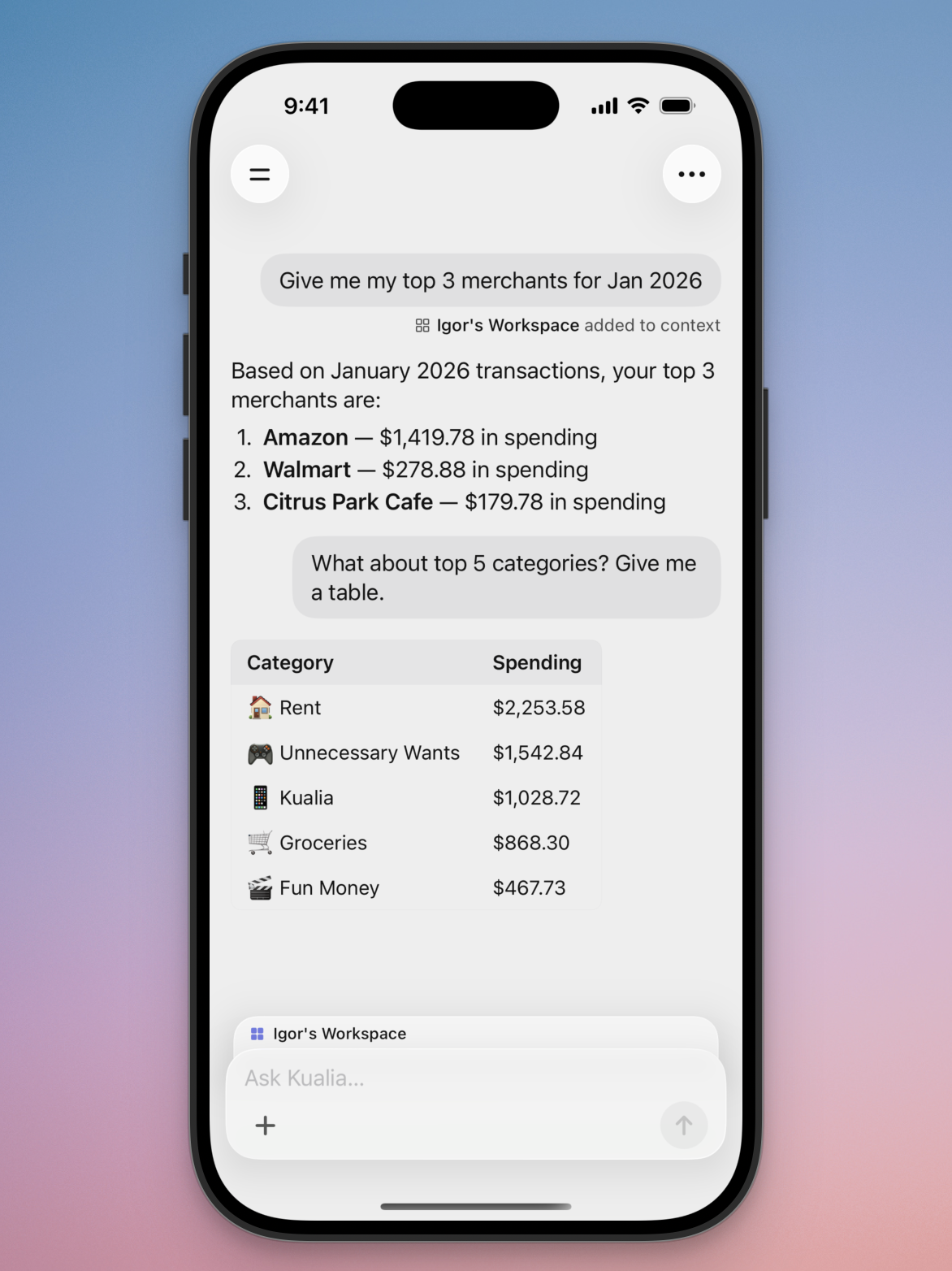
AI Assistant - Chat with your finances natively on web and iPhone. Chat with your budget, make adjustments to categories or targets, import transactions either by typing them out or attaching files (CSV, PDF, JPG, bank statements, etc), create complex spending reports, ask about which merchants you spend the most on, and more.
-
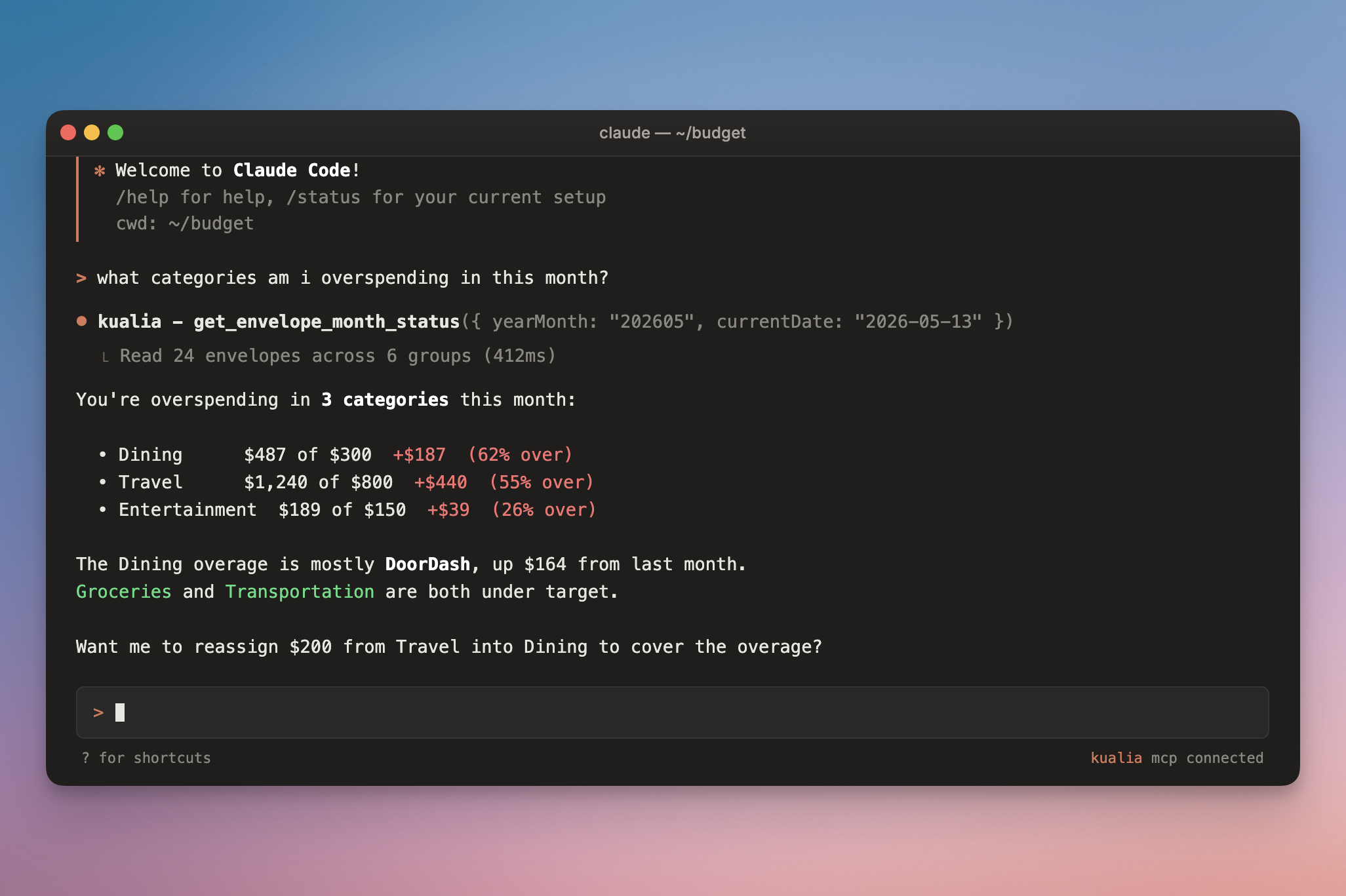
Kualia MCP - Similar to the AI Assistant within Kualia, external AI clients (Claude, Cursor, ChatGPT, and others) can now interact with your budget. It can read your budget, create transactions, reorder/rename/update your categories, and more. Learn how to set this up here: https://kualia.com/mcp
-
Multi-select account chips on iOS - Long-press chips on the Accounts tab to combine balance views (e.g. Cash + Credit). Chips for categories with no accounts are now hidden. Thanks for the suggestion, Erik.
🐛 Bug Fixes
- Fixed toolbar buttons on iOS 26 where taps near the edge of the glass capsule sometimes didn't register, and corrected tint colors so non-save buttons no longer appear as primary actions.
✨ Improvements
-
Hide closed accounts when adding a transaction - Closed accounts no longer appear in the account or payee pickers when creating a new transaction. They remain visible when editing existing transactions.
-
Side drawer polish - The drawer's main content snaps to its rounded corner immediately when opening, Institutions now sits above Merchants, and "Request a Feature" moved into the drawer list.